IP/MPLS: Zero to Service Provider
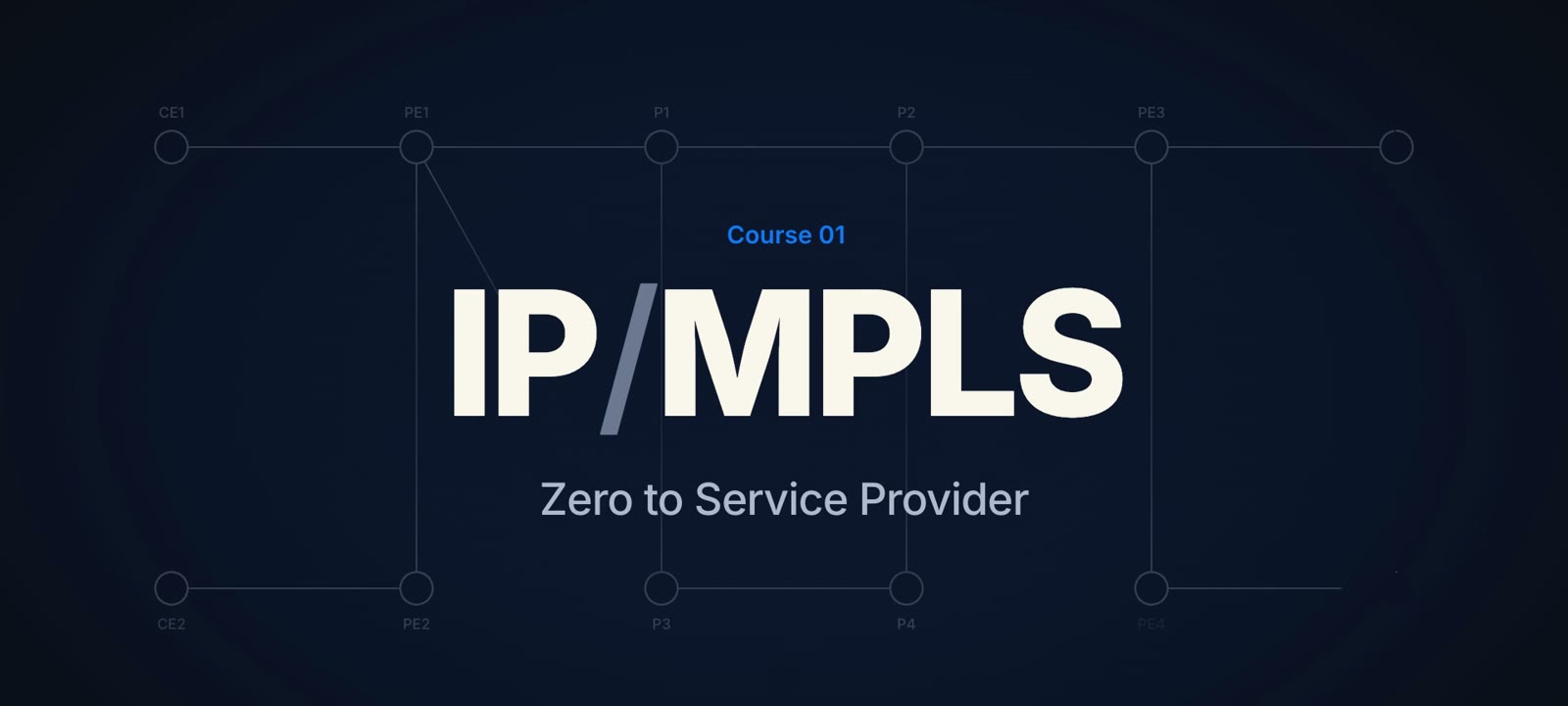
Learn how ISPs and telcos really build their networks. Design, configure and troubleshoot a small service-provider core running IS-IS, BGP, MPLS, L3VPN, L2VPN/EVPN, traffic engineering and Segment Routing.
- Episodes
- 60
- Length
- 10–20 min
- Level
- After CCNA
- Price
- Free
- Lab
- Containerlab + FRRouting, 13 routers
- Released so far
- Episode 00 is up next
By the end, you can
- Explain how a service provider moves a packet from customer to customer, hop by hop and label by label.
- Build an IS-IS core, iBGP with route reflectors, and LDP on a 13-router lab.
- Deliver L3VPN, L2VPN and EVPN services to two customers on one shared core.
- Engineer traffic with RSVP-TE, then migrate the network to Segment Routing.
- Troubleshoot real MPLS faults, and talk about all of it in an interview.
The full syllabus
12 sections, in the order you should watch them. Episodes link to their page as they're released.
Welcome
Section 0 · 2 episodes · Playlist: Start Here
IP routing, the service-provider way
Section 1 · 5 episodes
The IGP core: IS-IS
Section 2 · 5 episodes
BGP for service providers
Section 3 · 6 episodes
MPLS fundamentals
Section 4 · 6 episodes
- E18MPLS in 10 minutes: what a label actually is
- E19The MPLS header, bit by bit
- E20Push, swap, pop: following one packet through the core
- E21FEC, LIB, LFIB: the MPLS tables explained
- E22Penultimate hop popping (PHP), and explicit-null vs implicit-null
- E23TTL propagation and why traceroute looks strange in MPLS
LDP
Section 5 · 5 episodes
MPLS L3VPN (the money-maker)
Section 6 · 10 episodes
- E29What is an MPLS VPN? The business problem it solves
- E30VRFs: one router, many routing tables
- E31Route Distinguisher vs Route Target, finally explained
- E32MP-BGP and VPNv4: how customer routes cross the core
- E33The two-label stack: transport label + VPN label
- E34Build an L3VPN for customer Blue end to end
- E35PE-CE routing options: static, eBGP, OSPF
- E36Extranets and hub-and-spoke VPNs with route targets
- E37Internet access for VPN customers
- E38L3VPN troubleshooting walkthrough
L2VPN and EVPN
Section 7 · 6 episodes
Traffic engineering (RSVP-TE)
Section 8 · 4 episodes
Segment Routing
Section 9 · 5 episodes
Advanced topics
Section 10 · 3 episodes
Capstone
Section 11 · 3 episodes
Stuck on a lab? Book a trainer.
Screen-share your lab with a Ping Academy trainer and fix it together. From ₹999, times in IST.
Questions, answered
Something else? Email hellopingacademy@gmail.com.
Is the course really free?
Yes. All 60 episodes of IP/MPLS: Zero to Service Provider are free on YouTube, along with the lab files and cheat sheets. You only pay if you book a 1:1 session.
What should I know before starting?
Basic routing at CCNA level: IP addresses and subnets, what a routing table is, and roughly what OSPF or BGP do. Everything service-provider specific is taught from zero.
What do I need to run the lab?
A Linux machine or VM (Ubuntu 22.04 or 24.04) with 4 vCPUs and 8 GB of RAM. On a Mac or Windows laptop, run an Ubuntu VM. Episode 01 walks through the full setup in about ten minutes, and everything in it is free.
Cisco, Juniper or something else?
The lab runs FRRouting, an open-source router that anyone can run for free. The concepts are vendor-neutral, and episodes add Cisco IOS-XR notes wherever the commands differ in a way that matters.
How often do new episodes come out?
A new video every week. Subscribe on YouTube to get each one when it goes live.
Who runs the 1:1 sessions?
Ping Academy trainers who teach on the same Ping Telecom topology as the course, so you can share your lab and pick up exactly where you are stuck.
How do I book and pay for a session?
Pick a plan and send us your topic and a few times that suit you (IST). We confirm a slot and send a payment link for UPI, card or net banking. Sessions run Mon–Sat, 10:00–21:00 IST.
Can I reschedule or cancel?
Yes. Reschedule for free up to 24 hours before your session, or cancel for a full refund. See the refund policy for the details.