Build the course lab in 10 minutes (Containerlab setup)
In production now
Subscribe and you'll get it the day it goes live. A new episode every week.
Subscribe on YouTubeAbout this episode
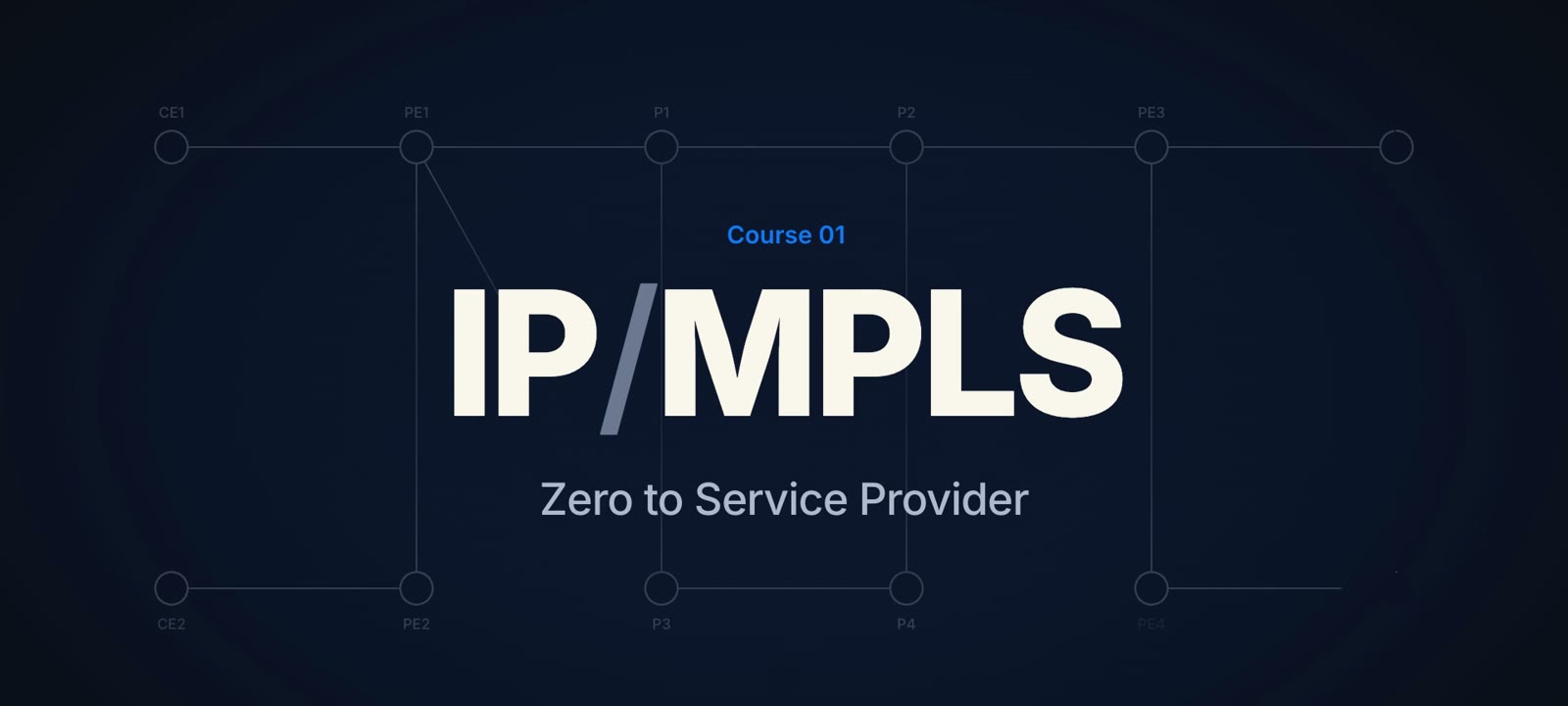
Build the Ping Telecom course lab: 13 routers (P, PE, route reflector and customer CEs) running real FRRouting software in Containerlab, on one Ubuntu VM. We install everything, deploy the lab, log into our first router, and learn how stages let you jump to any episode.
What you'll learn
- Explain what Containerlab and FRRouting are, and why the course uses them.
- Explain why the lab needs Linux (the routers share the host kernel, and MPLS forwarding uses the kernel modules
mpls_routerandmpls_iptunnel). - Install Docker + Containerlab and load the MPLS kernel modules on Ubuntu 22.04/24.04.
- Deploy, inspect and destroy the 13-router Ping Telecom lab with
containerlab. - Open a router's CLI with
docker exec … vtyshand readshow running-configandshow interface brief. - Use
./stage.shto list stages and jump to any episode's starting point.
Cheat sheet
- Requirements: Ubuntu 22.04/24.04 VM · 4 vCPU · 8 GB RAM. Not Docker Desktop, not WSL2: you need a kernel with
mpls_router+mpls_iptunnel. - Install (once):
curl -sL https://containerlab.dev/setup | sudo -E bash -s "all"→sudo modprobe mpls_router→sudo modprobe mpls_iptunnel→printf "mpls_router\nmpls_iptunnel\n" | sudo tee /etc/modules-load.d/mpls.conf→ log out and back in. - Start:
sudo containerlab deploy -t ping-isp.clab.yml(loads whatever is inconfigs/active/). - Status:
sudo containerlab inspect -t ping-isp.clab.yml: 13 nodes, allrunning. - Router CLI:
docker exec -it clab-ping-isp-<NODE> vtysh(e.g.clab-ping-isp-PE1). One-shot: add-c "show interface brief". Leave withexit. - First commands:
show running-config·show interface brief. Ignoreeth0(management). - Stages:
./stage.shlists them ·./stage.sh 06-addressingloads one and redeploys ·./stage.sh 00-basereturns to the start. - Stop:
sudo containerlab destroy -t ping-isp.clab.yml(removes containers; your files stay). - Topology file:
bindsmountconfigs/daemonsandconfigs/active/<NODE>.confinto each router ·execenables MPLS sysctls ·links= 18 virtual cables. - Daemons enabled: zebra, bgpd, isisd, ldpd, bfdd (staticd runs by default).
Stuck on a lab? Book a trainer.
Screen-share your lab with a Ping Academy trainer and fix it together. From ₹999, times in IST.