 Concept · animated
Watch the idea
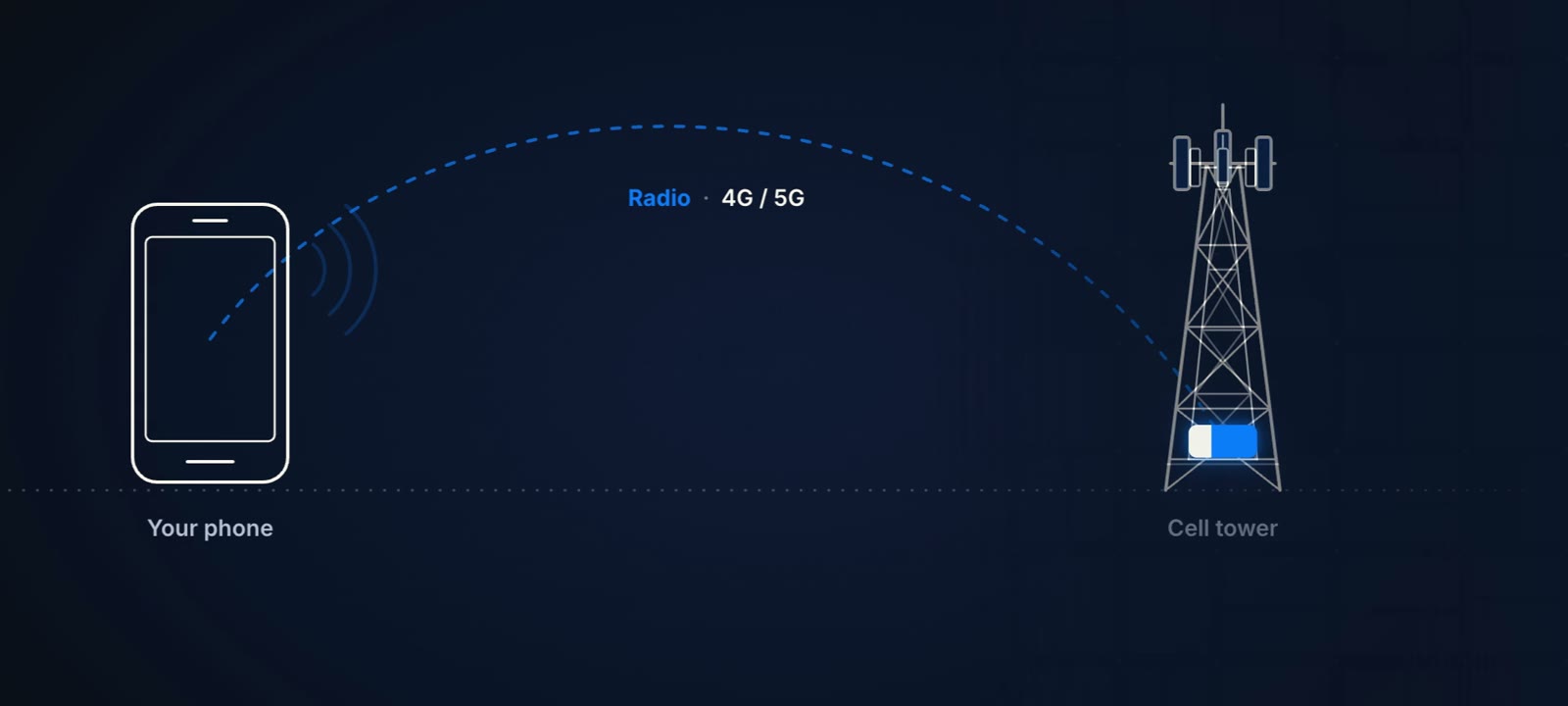
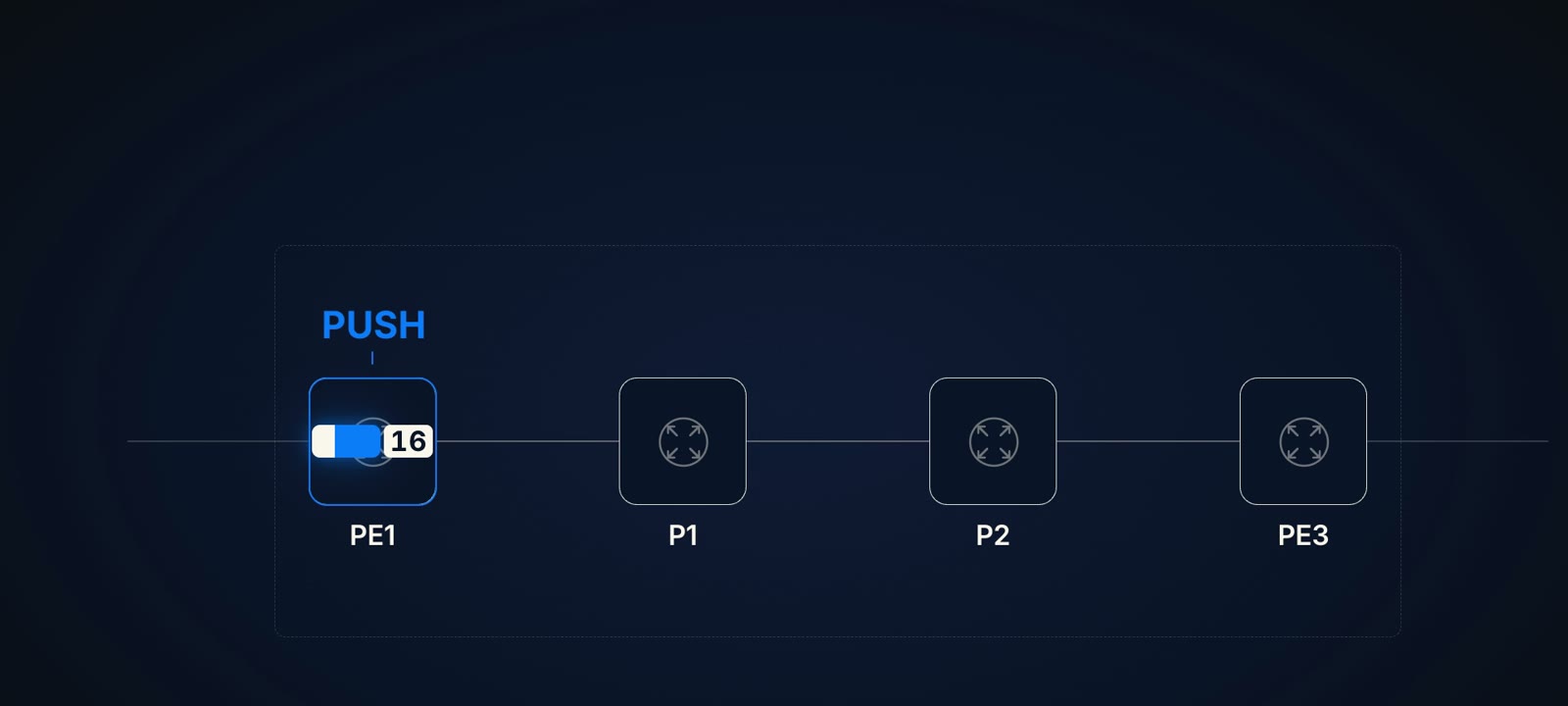
Short animated explainers. We follow one packet and show exactly what each router does to it.
Free video courses on how ISPs and telcos really build their networks. IS-IS, BGP, MPLS, VPNs and Segment Routing, taught with animations and hands-on labs. 1:1 help from a trainer when you get stuck.
$ ping youtube.com
64 bytes from youtube.com: seq=0 time=12 ms

Twelve milliseconds. What happened in between?
Press "Send a ping" to measure your own round trip.
Measures a real round trip from your browser to this website.
Ping Telecom, AS 65000: the 13-router network you build in the course, free on your laptop. Labels shown are simplified.
Every topic follows the same three steps, so nothing stays abstract.
Concept · animatedShort animated explainers. We follow one packet and show exactly what each router does to it.
PE1# configure terminal
PE1(config)# interface lo
PE1(config-if)# ip address 10.255.0.11/32
PE1# show ip route connected
C>* 10.255.0.11/32 is directly connected, loType the same commands on the course network. 27 of the 60 episodes include a lab.
Times in IST · Mon–Sat, 10:00–21:00 IST
Book a 1:1 session. We screen-share on your lab and fix it together.
The backbones of large ISPs and telcos are built on the same few ideas. Learn them once and you can read almost any service-provider network. Course 01 teaches them one at a time.
One free lab, one topology and one fictional ISP, Ping Telecom, carried from the first episode to the capstone.
$ sudo containerlab deploy -t ping-isp.clab.yml
+---+------------+--------------+---------+
| # |    Name    |    Kind      |  State  |
+---+------------+--------------+---------+
| 1 | clab-ping-isp-P1   | linux | running |
| 2 | clab-ping-isp-PE1  | linux | running |
| 3 | clab-ping-isp-RR   | linux | running |
  … 13 routers
$ ./stage.sh 06-addressing13 routers running FRRouting in Containerlab, free and open source. Jump to any episode's starting point with one command.
Push, swap, pop, drawn the same way in every episode.
E04 cheat sheet
For every episode, free to download.
Each one builds on the last, so you always know what to watch next.
! On Cisco IOS-XR
interface Loopback0
 ipv4 address 10.255.0.11 255.255.255.255
commitFRR in the lab, with Cisco IOS-XR notes where the syntax matters.
Learn how ISPs and telcos really build their networks. Design, configure and troubleshoot a small service-provider core running IS-IS, BGP, MPLS, L3VPN, L2VPN/EVPN, traffic engineering and Segment Routing.
One-on-one video sessions on the same topology as the course. Prices in rupees, times in IST, pay by UPI or card.
₹999 / 30 min
You're stuck on one lab or one concept.
₹1,799 / 60 min
One topic end to end, at your pace.
₹4,499 / 3 sessions
SP / NOC / network engineer interviews.
Prices in Indian rupees. Pay by UPI, card or net banking before the session. Free reschedule up to 24 hours before. Refund policy.
Something else? Email hellopingacademy@gmail.com.
Yes. All 60 episodes of IP/MPLS: Zero to Service Provider are free on YouTube, along with the lab files and cheat sheets. You only pay if you book a 1:1 session.
Basic routing at CCNA level: IP addresses and subnets, what a routing table is, and roughly what OSPF or BGP do. Everything service-provider specific is taught from zero.
A Linux machine or VM (Ubuntu 22.04 or 24.04) with 4 vCPUs and 8 GB of RAM. On a Mac or Windows laptop, run an Ubuntu VM. Episode 01 walks through the full setup in about ten minutes, and everything in it is free.
The lab runs FRRouting, an open-source router that anyone can run for free. The concepts are vendor-neutral, and episodes add Cisco IOS-XR notes wherever the commands differ in a way that matters.
A new video every week. Subscribe on YouTube to get each one when it goes live.
Ping Academy trainers who teach on the same Ping Telecom topology as the course, so you can share your lab and pick up exactly where you are stuck.
Pick a plan and send us your topic and a few times that suit you (IST). We confirm a slot and send a payment link for UPI, card or net banking. Sessions run Mon–Sat, 10:00–21:00 IST.
Yes. Reschedule for free up to 24 hours before your session, or cancel for a full refund. See the refund policy for the details.
Episode 00 explains what IP/MPLS is and why every ISP runs it. Then we build the lab together.